Install Drama Live Pro on Smart TV
Turn your living room into a stadium with a giant screen
Don't miss a single moment of your favorite matches. Follow our easy guide to install Drama Live Pro Premium on your Smart TV or any Android TV device using the Downloader app.
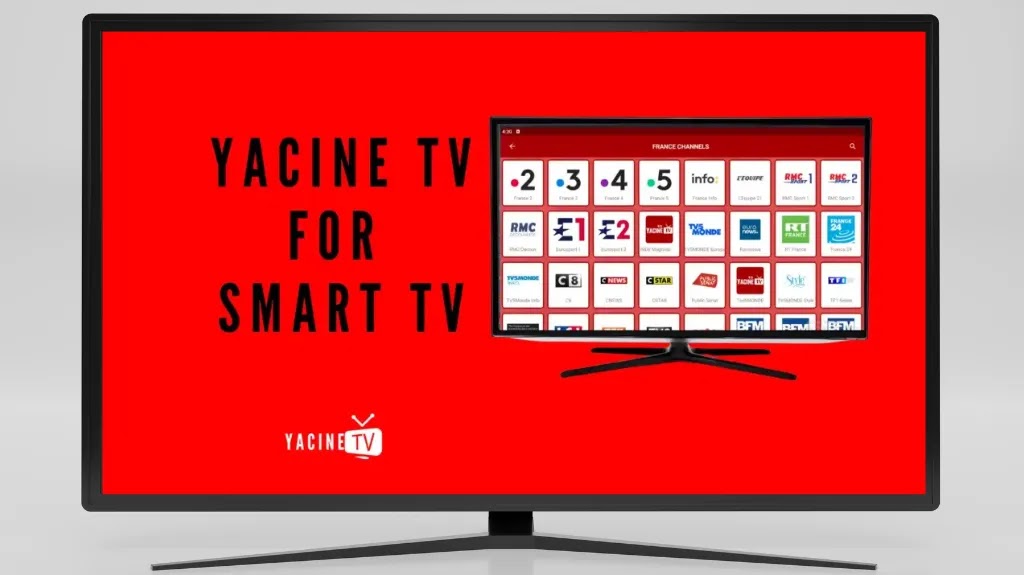
Smart TV Installation Guide
Follow these illustrated steps to install the app easily using the Downloader app.
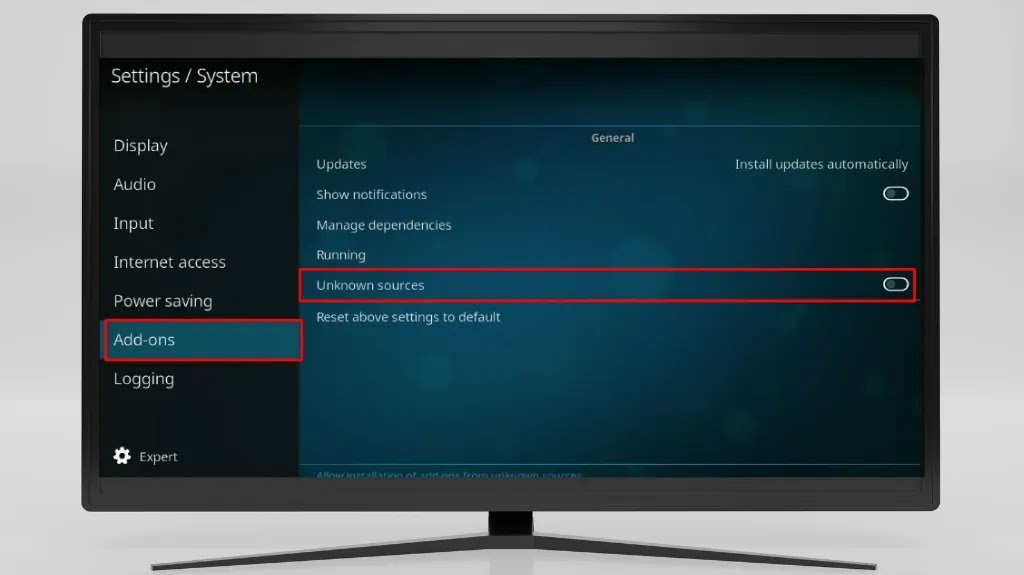
Step 1: Allow Apps from Unknown Sources
Go to "Settings" on your TV, then "Device Preferences", then "Security & restrictions". Enable "Unknown sources" for the Downloader app.
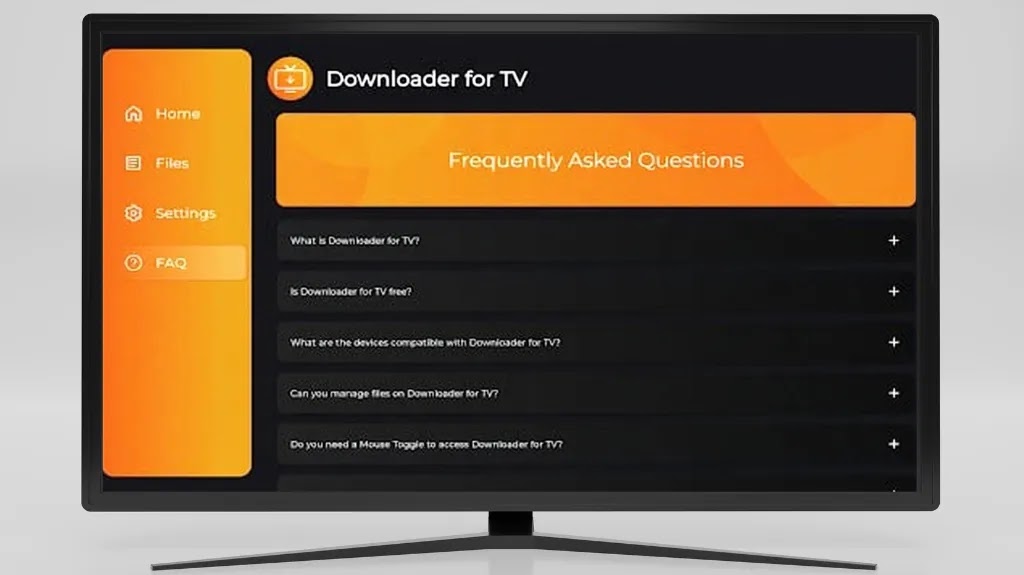
Step 2: Install the Downloader App
If you don't have the Downloader app, search for it in the Google Play Store on your TV and install it. It's a free and trusted app for downloading files directly to your device.
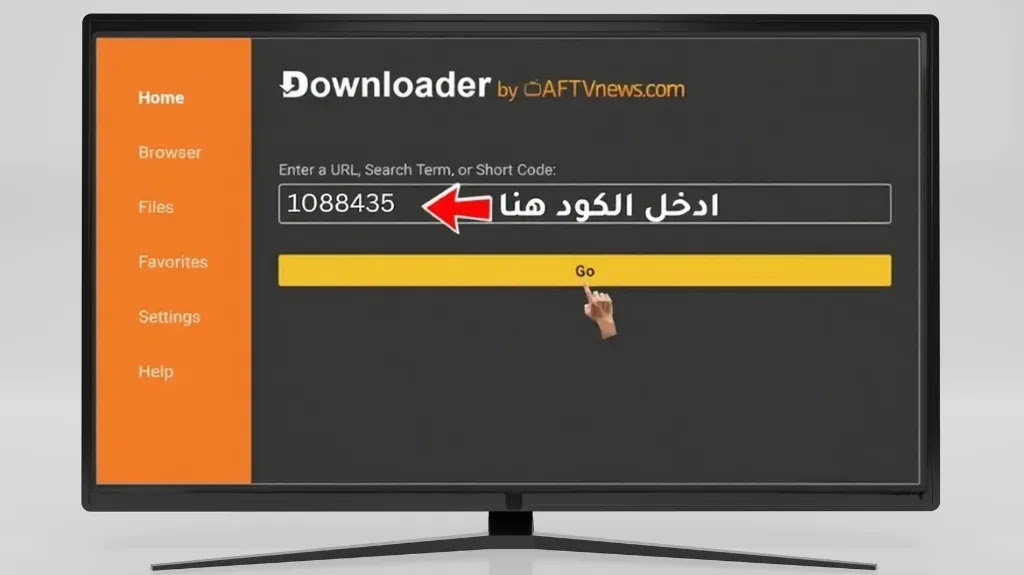
Step 3: Enter the Download Code
Open the Downloader app, and on the home screen, type the following code into the URL field and press "Go". This code will direct you to the Drama Live Pro Premium download link.
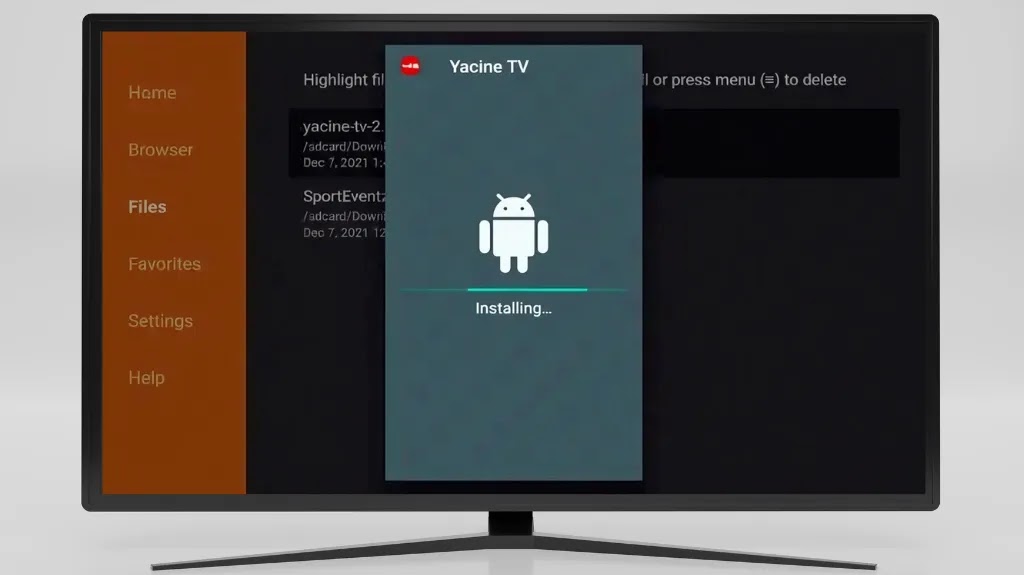
Step 4: Install Drama Live Pro
After entering the code, the APK file will start downloading automatically. When complete, the installation window will appear. Click "Install" and wait for the process to finish.
Congratulations! The App is Ready
You can now find Drama Live Pro in your apps list. Open it and enjoy watching on your big screen!
Why is Drama Live Pro best for your TV? Ad-free watching
Drama Live Pro has changed how we enjoy content on phones, but the real experience lies in bringing it to the biggest screen in your home.
A large TV screen is the perfect place to gather family and friends to watch important matches or enjoy a movie night.
Take advantage of your home theater system's capabilities. When running the app on TV, you can enjoy high-definition picture quality with immersive surround sound.
No need to hold your phone all the time. With Drama Live Pro on your TV, you can navigate between channels easily using your remote control.